How to Plan a Portrait Outfit Without Buying Anything New
A photo session can turn into a shopping task surprisingly quickly. You choose a location, imagine a certain mood, and suddenly the clothes you already own seem wrong.
I would start with a smaller question: what can you change before you buy anything? Often the useful decisions are about coordination, condition, and comfort—not another item in a cart.
Here is a closet-first process you can use for a solo portrait or a couple photo. It works as a planning exercise, whether you take a real photograph or explore an AI-assisted concept.
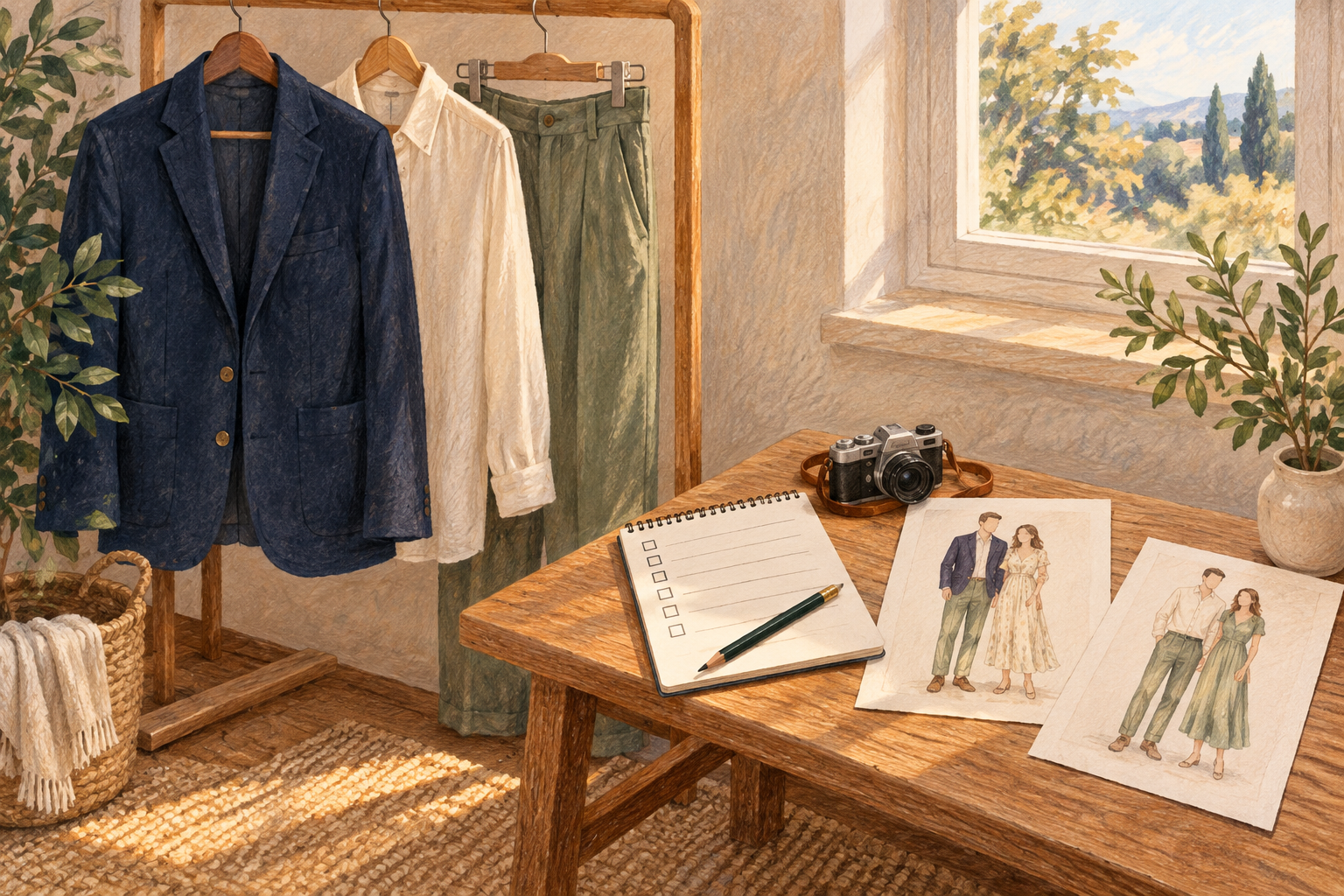
Disclosure: This guide is published by the team behind Imya and Tryonr. The tools below are optional examples, not independent recommendations. The cover is an AI-generated editorial illustration, not a demonstrated output from either product.
1. Choose the feeling before the garment
Write down two words: relaxed and warm, quiet and formal, or playful and simple. Then add the practical setting: sitting beside a window, standing outdoors, or walking through a familiar street.
This gives you a reason to accept or reject a piece of clothing. A jacket may match the color plan but feel too stiff for the relaxed portrait you want. That is useful information, not a reason to replace your entire wardrobe.
2. Pull three familiar pieces
Start with something you already enjoy wearing. Add one supporting piece and one optional layer. Put them together in daylight before judging them separately.
Look for avoidable distractions: a twisted collar, lint, a prominent logo, or a pattern that competes with your face. Cleaning, pressing, or removing a layer may solve more than shopping does.
If two people will appear in the picture, coordinate the level of formality rather than demanding identical outfits. A shared neutral color can create continuity while leaving each person comfortable in their own clothes.
3. Use a preview for one narrow question
An optional visual experiment is to explore a clothing concept with Tryonr’s AI clothes changer. Keep the question specific: would a darker outer layer create a clearer contrast, or does the lighter idea suit the setting?
Treat the image as a concept, not proof of fit, fabric behavior, or exact color. AI can alter seams, hands, body proportions, and details that matter in a real photograph. Inspect those changes instead of mistaking a polished image for a reliable fitting room.
You can also skip the tool and photograph the actual clothes together. The point is to compare options consistently, not to add a complicated workflow.
4. Test the outfit in the intended position
Sit if the portrait will be seated. Raise your arms, turn sideways, and check whether a layer pulls or bunches. Wear the shoes you intend to use.
For an AI-assisted couple concept, plan a couple-photo idea with Imya only after agreeing on the clothing direction. Use photos you have permission to upload, get the other person’s consent, and review the service’s current privacy terms first.
Keep your original references. If a generated result changes an important facial or clothing detail, do not silently treat that change as accurate.
5. Make the smallest useful adjustment
Compare two options rather than ten. Change one thing: the jacket, the neckline, or the layer. Ask which version supports the original two-word mood and feels comfortable enough to forget about during the photograph.
Save the final choice as a short note or a quick phone picture. That prevents a last-minute restart when it is time to get ready.
The Bottom Line
You do not need a new wardrobe to make a thoughtful portrait. Start with clothes you trust, test the details in the real setting, and use digital previews only for the questions they can reasonably help explore.
Pick one familiar outfit today. Give it a five-minute condition and comfort check before you open another shopping tab.